
Managing the firewall
The web application firewall that is provided by Quant uses industry best practices as a starting position to help you portect your origin servers.
This configuration makes attempts to account for various types of common usage patterns — however it will not take into consideration architecture decisions that have been made for your application.
When enabling the WAF you need to ensure that you can identify blocks and add exceptions. This will allow you to tune the WAF to meet your requirements.
Identifying breaches
Section titled “Identifying breaches”When the WAF blocks a request it will create a log message identifying which rule has been breached. These logs can be accessed from your Quant Dashboard.
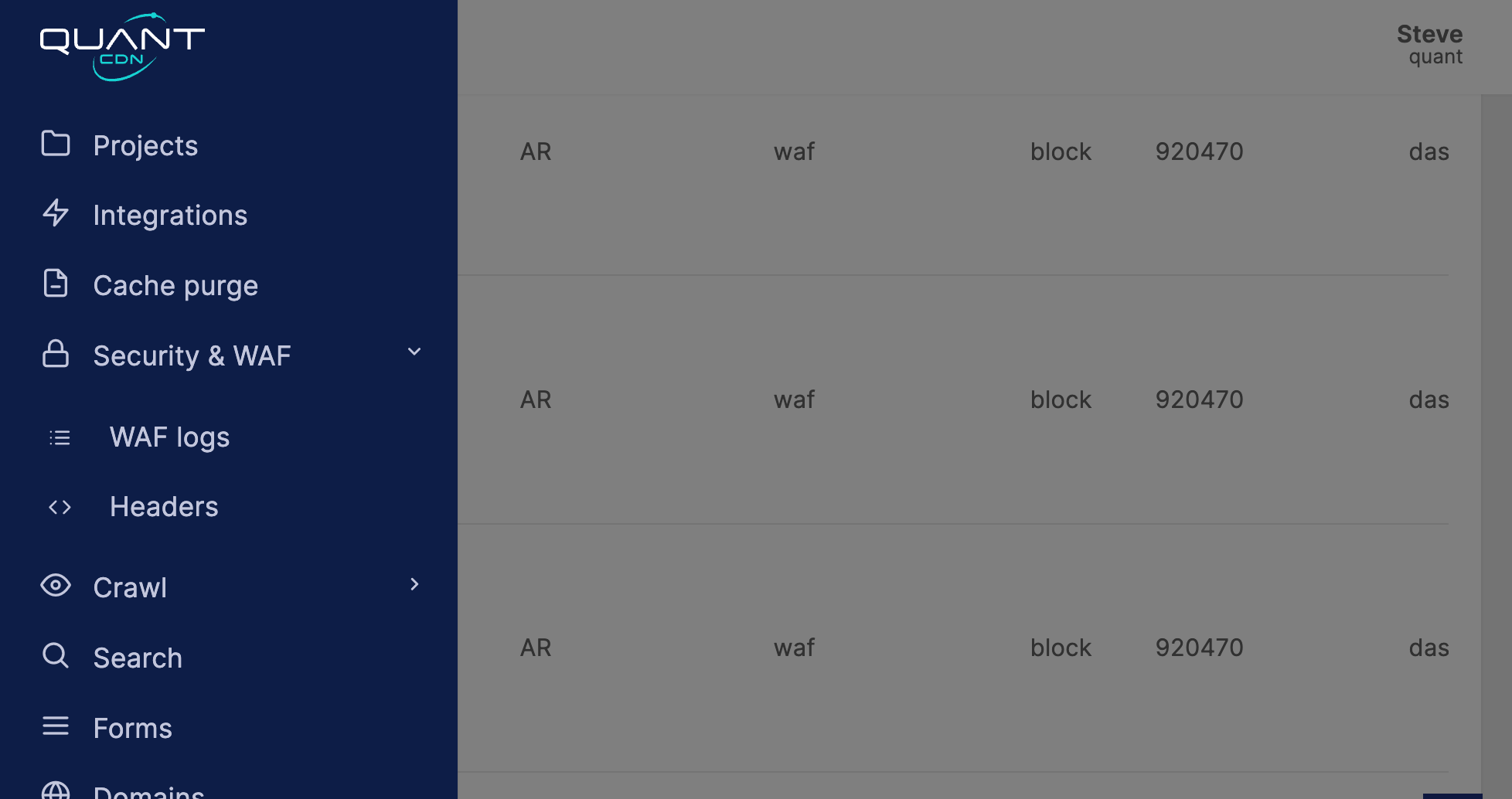
Each log entry will include the following information:
| Field | Example | Description |
|---|---|---|
| IP Address | 10.0.0.1 | The requests originating IP address |
| Location | AU | The geolocation of the IP address |
| Type | waf | Which type of block was triggered |
| Mode | report | The mode that the WAF was operatiing in when triggered |
| Rule ID | 93210 | The ruleset rule id that triggered the block |
| Domain | test.com | The domain that triggered the WAF |
| URL | /home | The URL path that was restricted |
| Method | GET | The request method that was used |
| User agent | python-requests | The user agent of the connecting client |
The logs can be used when tuning the WAF and the request details can be used in the configuration of the WAF rule to allow/disallow the request pattern.